See the design
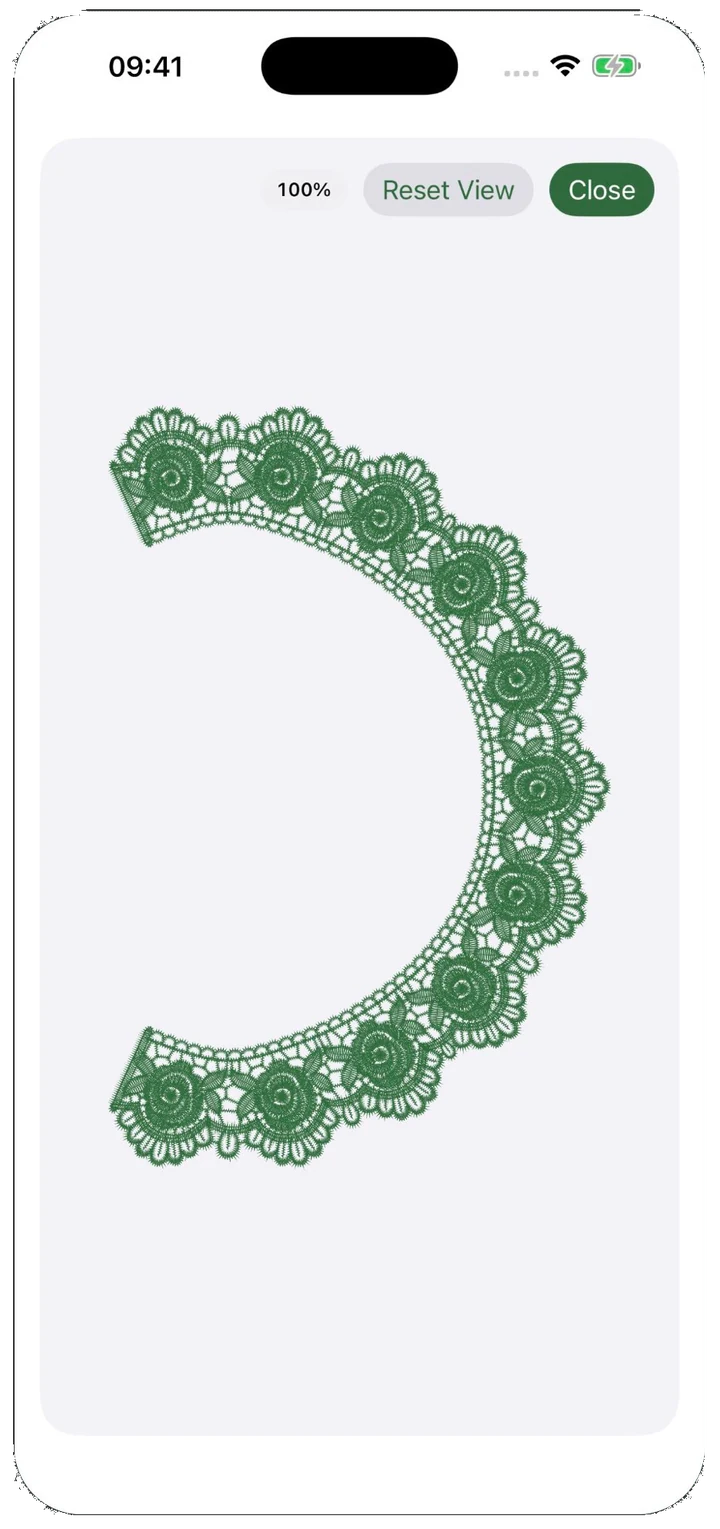
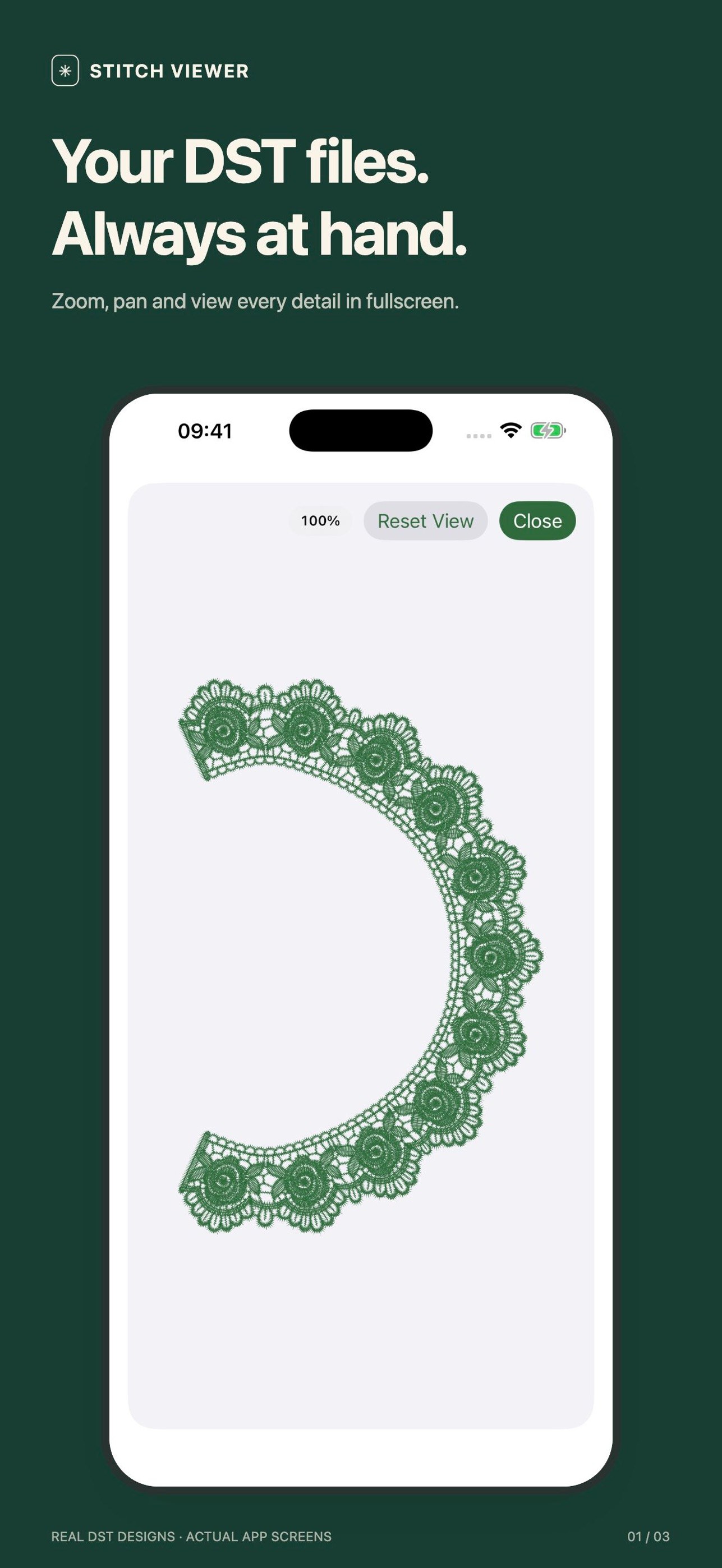
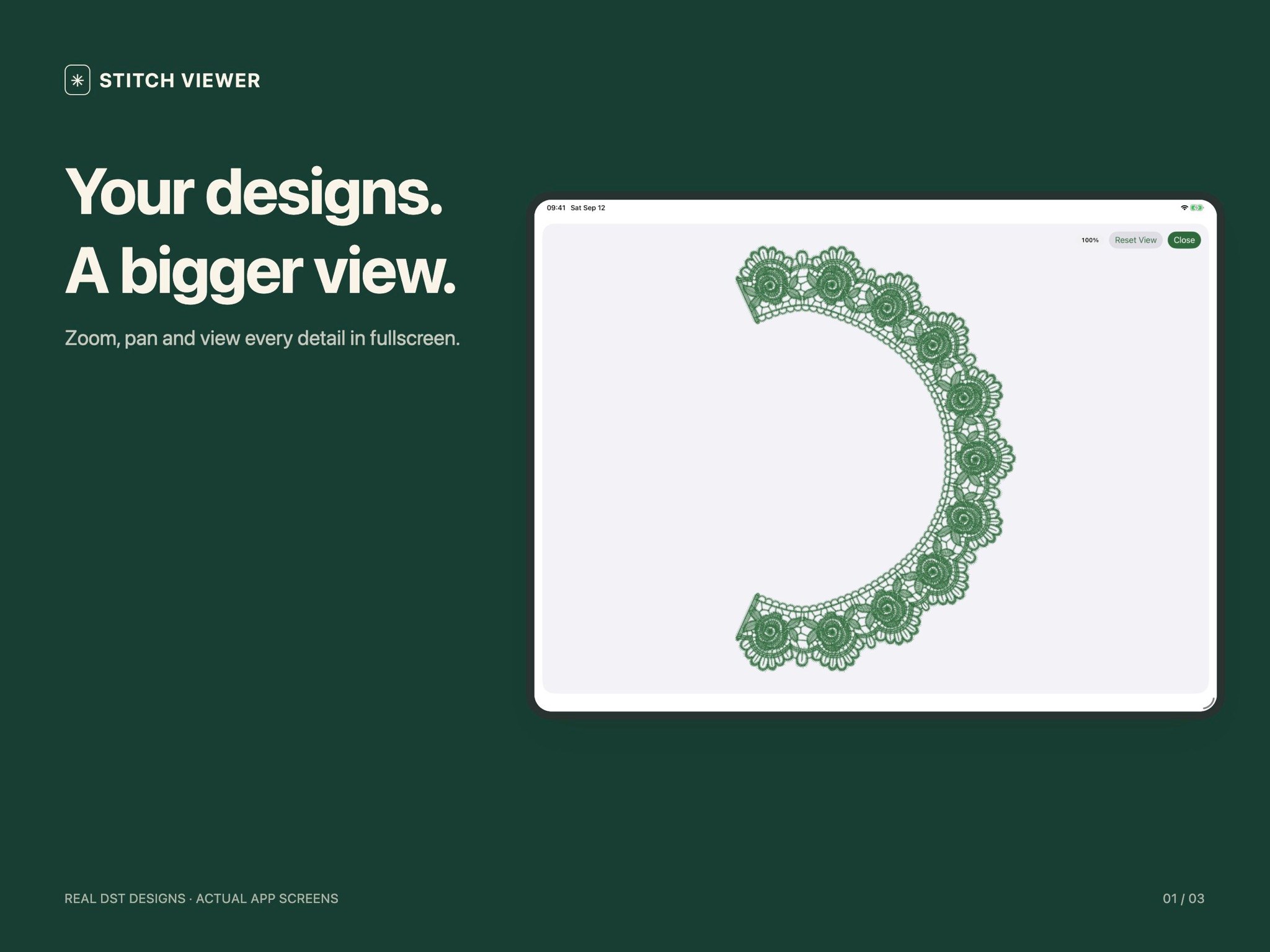
Browse thumbnails, open a design, and zoom or pan through the stitches. Dense lace stays readable on a phone screen.
 Stitch Viewer
Stitch Viewer · iPhone & iPad
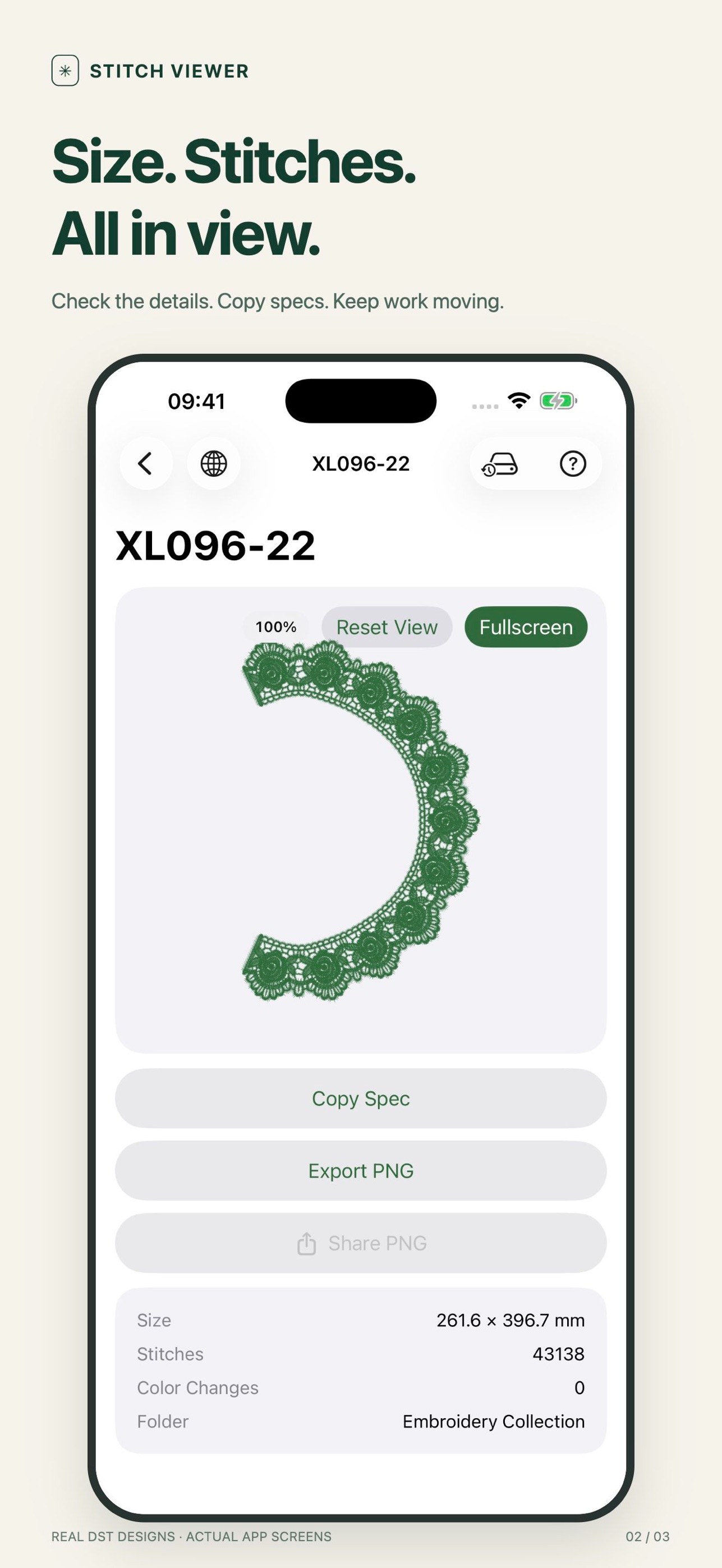
Import a folder workspace, browse thumbnails, zoom into stitch detail, check size, stitch count and colour changes, then export a PNG preview with the specs on it.
Stitch Viewer is an iPhone and iPad app for opening .dst embroidery files. It reads the designs from a folder you choose, draws the stitch path, and shows the design size, stitch count and colour changes so a design can be checked before it goes to the machine.
Files are parsed on the device. There is no account, no upload and no subscription.
What it does
Browse thumbnails, open a design, and zoom or pan through the stitches. Dense lace stays readable on a phone screen.
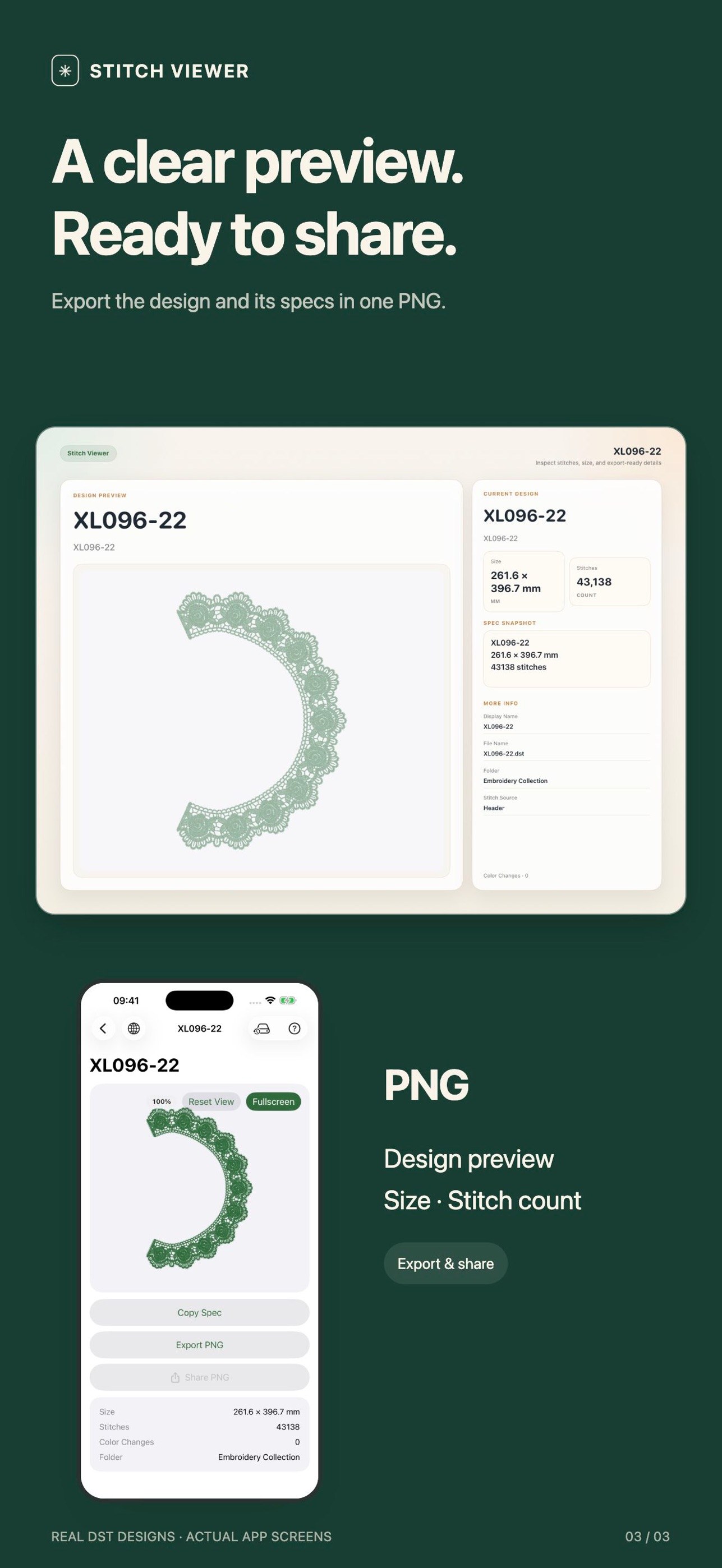
Size, stitch count, colour changes and folder in one block, with a copy button for notes and conversations.
Export the design and its specs into a single PNG preview, then send it through the iOS share sheet.
No account required. File parsing and preview rendering happen on your device, and workspace access stays under your control.
Three steps, and the first one only has to be done once.
Every value below is read from the file itself, so what you see is what the machine will receive.
| Check | What it answers | Where it comes from |
|---|---|---|
| Design size | Will it fit the hoop, in millimetres | DST header extents |
| Stitch count | How much machine time and how to price it | DST header |
| Colour changes | How many thread stops to plan | DST header |
| Stitch path | Is it the right design, oriented correctly | Decoded stitch records |
| Design name and folder | Is this the revision we agreed on | Header and workspace |
| Exported PNG | A record of the numbers that were confirmed | App export |
Check which design is loaded, confirm the size before hooping, and settle a question without walking back to a desk.
Look at a stitch file away from the workstation, compare revisions by count and colour changes, and send a clear preview.
Open the design in front of the customer, confirm the numbers, and send a PNG before the conversation ends.
It does not digitize artwork, edit stitches, convert .dst into other machine formats, or score stitch density. It reads .dst files, shows them accurately, and exports an image for people to look at.
That boundary is deliberate. The app is meant to be the fastest way to answer “what is this design and does it match the job”, not a replacement for production software.
Screenshots
These screens come from the released App Store version, using real DST designs.
Product details
Stitch Viewer is a viewer and a sharing tool. It does not digitize embroidery, convert formats, or replace your desktop digitizing software.
It opens .dst embroidery files on iPhone and iPad, draws the stitch path, and shows the design size, stitch count and colour changes from the file header. It also exports a PNG preview with those specifications on it.
No. File parsing and preview rendering happen on the device. There is no account and no server-side copy of the design.
Only .dst (Tajima) today. PES, JEF, EXP, VP3, HUS and EMB are not supported yet.
No. Stitch Viewer is a viewer. It does not digitize, edit stitches, or write machine files.
Yes. Once installed, the app reads and renders designs locally without a network connection.
No. It is a one-time App Store purchase. Pricing varies by region and is shown on the App Store page.
Support and legal
If something is not working, email us. The data handling notes and the baseline rules live in the same place.
Report a problem, see what we cover, and read the common questions.
Open supportHow file permissions, preferences, and support email are handled.
Read policyThe basic rules that apply when you use Stitch Viewer.
Read termsSupport emailsupport@stitchviewer.app
There is a built-in sample workspace, so you can look around before you import anything.